Mobile App
The ServicePro mobile app allows technicians to manage their work orders, track time, and communicate with customers from the field. It is available on both iOS and Android devices.
Getting Started
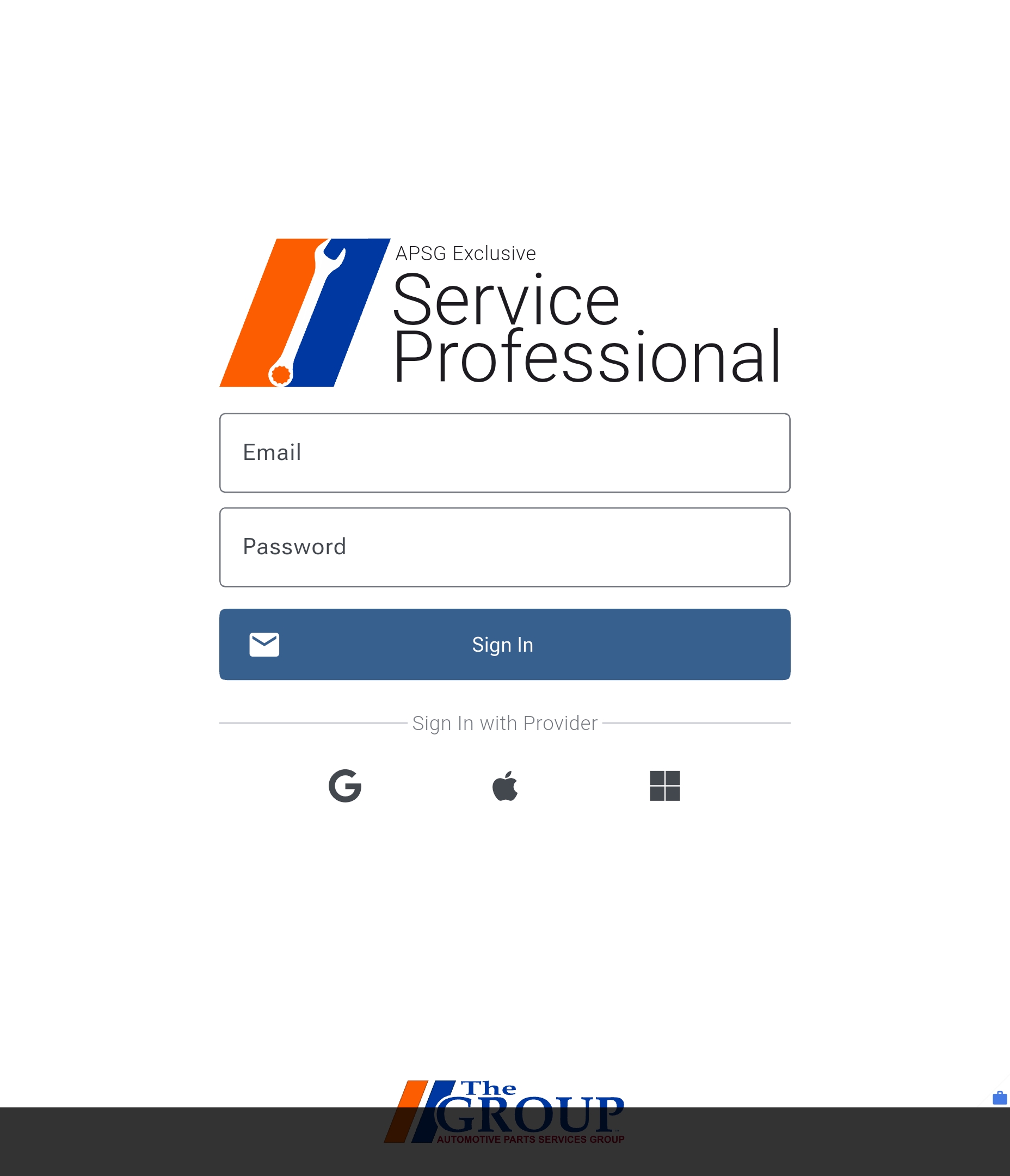
To get started with the ServicePro mobile app, download it from the App Store or Google Play Store. Once you have downloaded the app, you will need to log in with your ServicePro account.
My Jobs
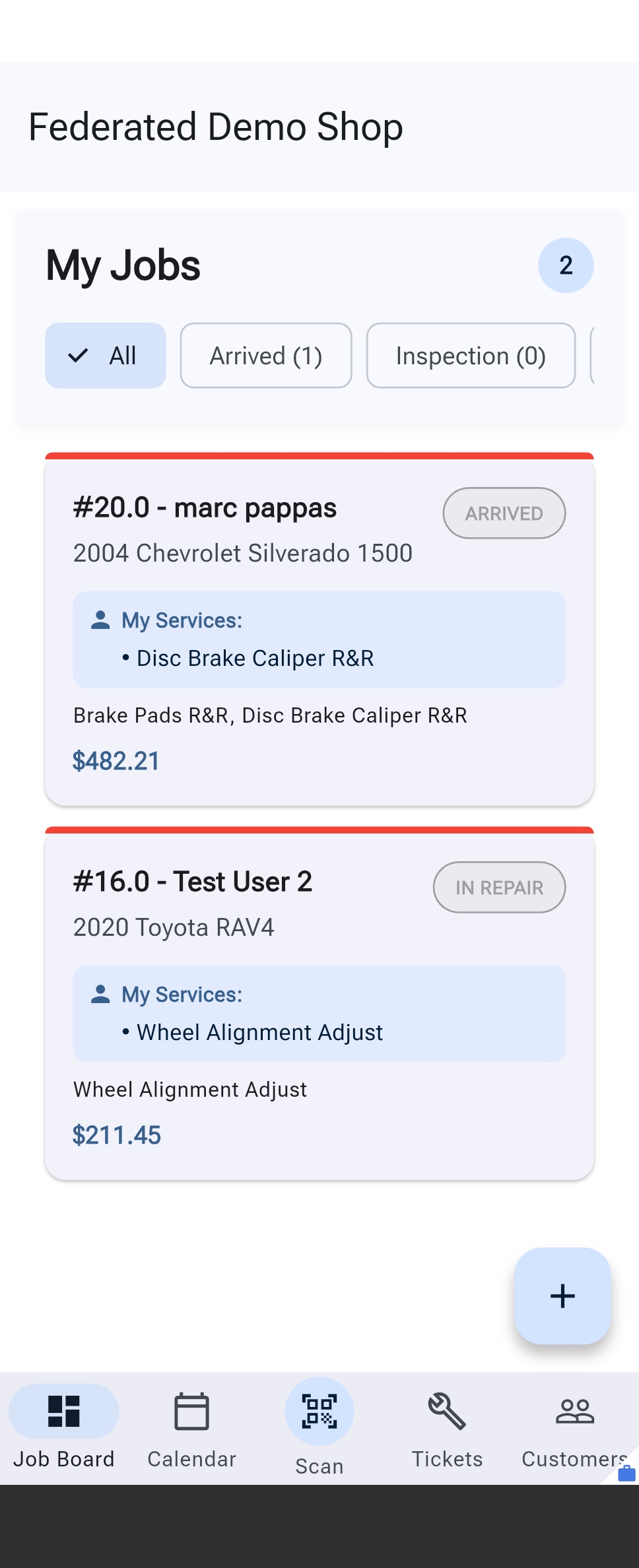
The home screen provides a quick overview of your assigned work orders, scheduled appointments, and important notifications.
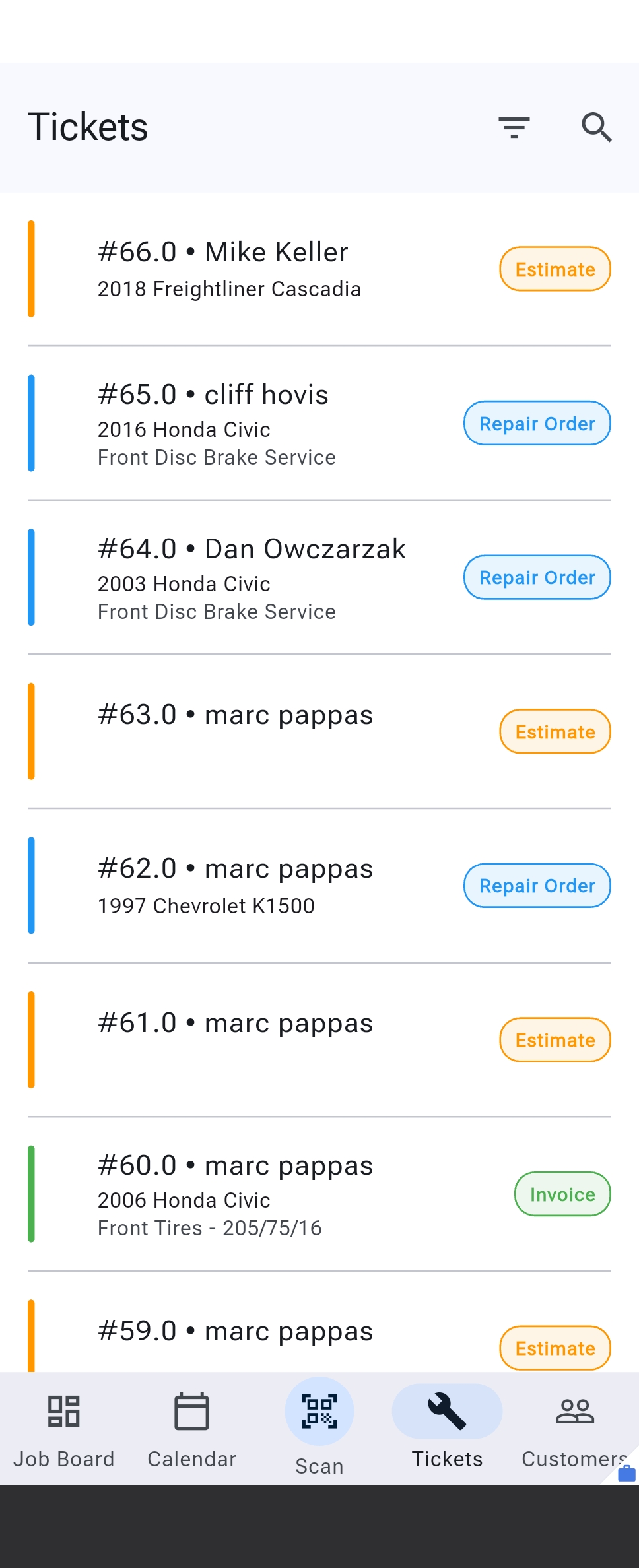
Tickets
The work orders screen displays a list of all work orders assigned to you. You can tap on a work order to view its details, update its status, and add notes.
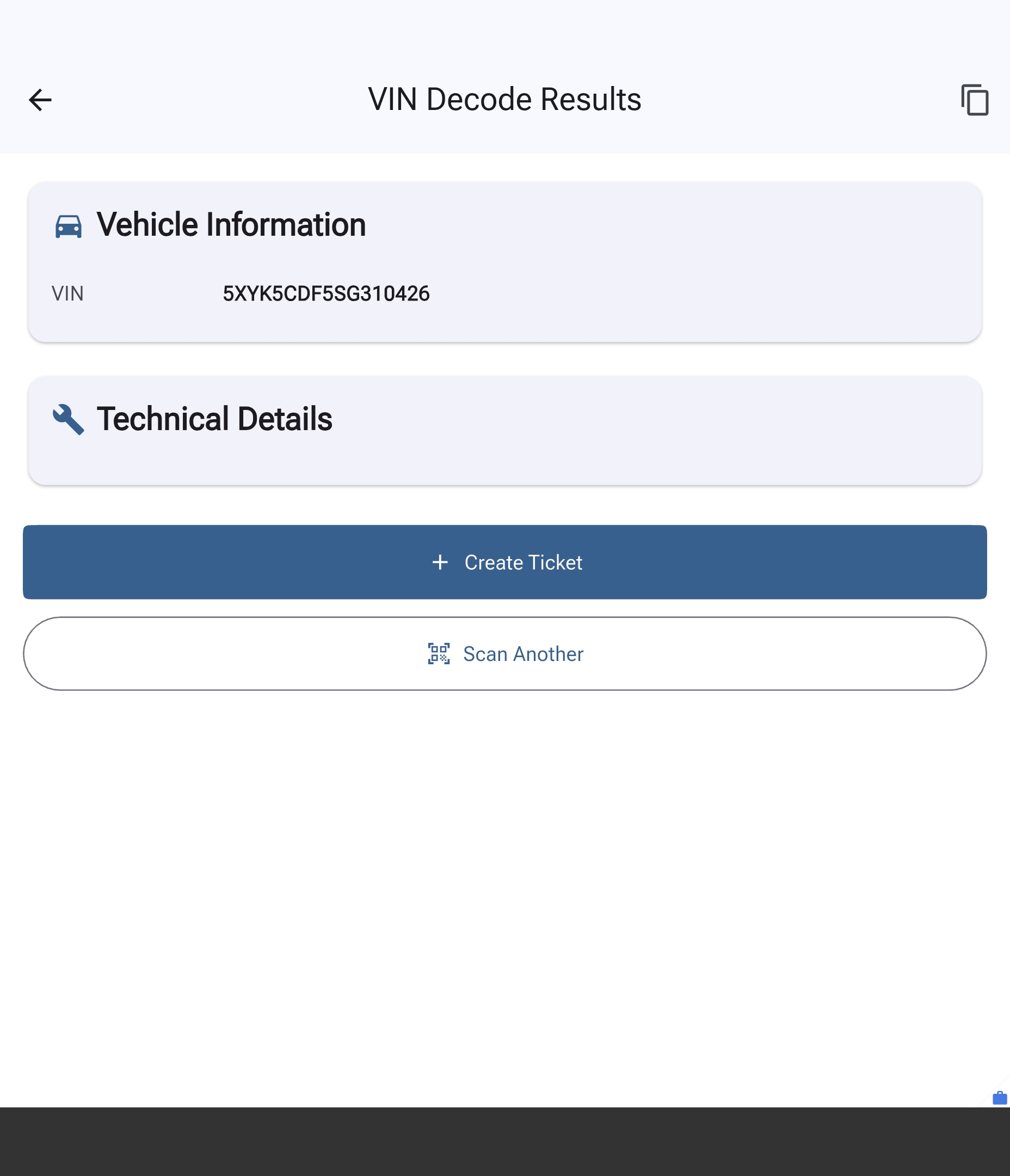
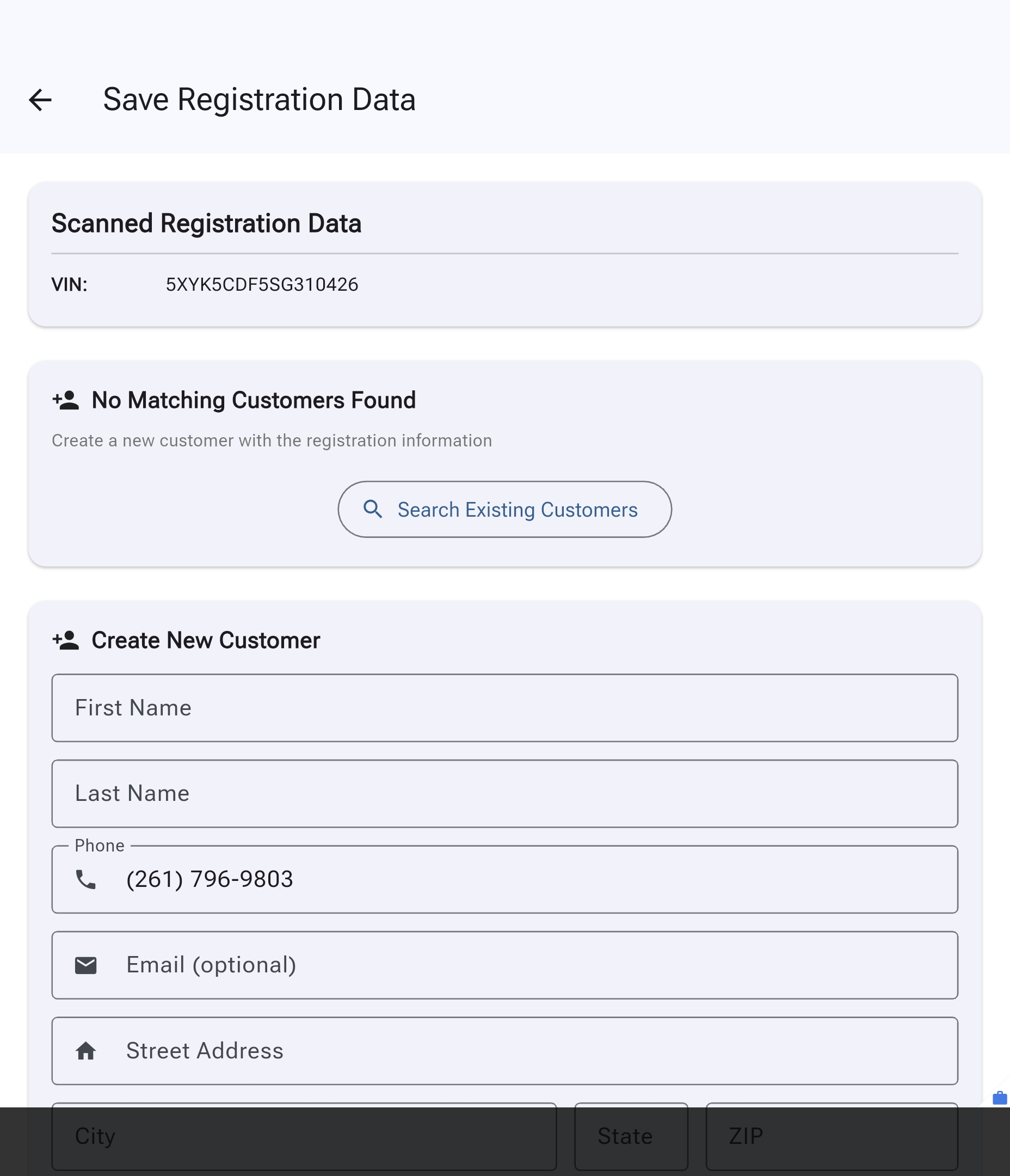
Vehicle Intake - VIN / Registration Scanning
The vehicle intake screen allows you to quickly capture vehicle information by scanning the VIN or registration. This information is automatically populated into the work order, or prompts you to create a new customer record if the vehicle is not found in the system.